Your complete guide to pulling Amazon Seller Central reports into spreadsheets.
Check out the most commonly used Seller Central reports and learn how to auto-import them to use effectively for your Amazon store.
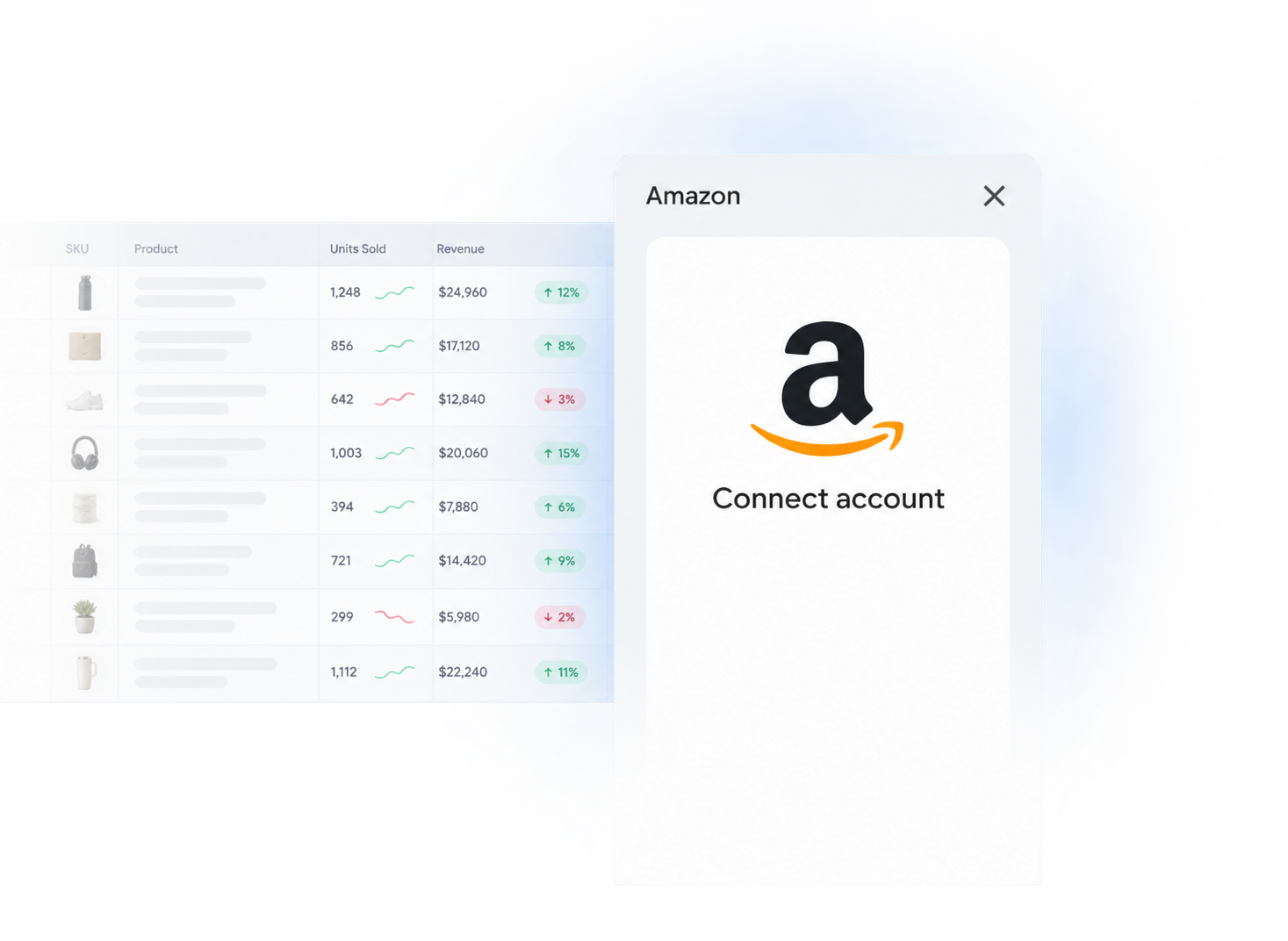
Discover how to export any Amazon Seller Central report into spreadsheets
Learn how to replace Amazon CSV exports with a fast, reliable, automated way of pulling your Amazon data to Google Sheets.
Inventory & Fulfillment
- AWD Inbound ShipmentsTrack Amazon Warehousing and Distribution inbound shipments, receiving progress, and discrepancies.Read guide →
- AWD InventoryMonitor on-hand, inbound, and reserved Amazon Warehousing and Distribution inventory.Read guide →
- FBA Aged Inventory SurchargeReview aged-inventory surcharge charges by SKU, storage age, quantity, volume, and amount.Read guide →
- FBA Fulfilled InventoryView a near-real-time snapshot of inventory available in Amazon fulfillment centers.Read guide →
- FBA Inbound PerformanceIdentify shipment-level receiving problems and Amazon coaching for future inbound shipments.Read guide →
- FBA Inbound ShipmentsTrack FBA shipment status, shipped and received quantities, and receiving discrepancies.Read guide →
- FBA InventoryMonitor FBA stock quantities and availability across your Amazon catalog.Read guide →
- FBA Inventory Ledger (Detailed)Reconcile item-level receipts, shipments, returns, removals, adjustments, and inventory events.Read guide →
- FBA Inventory Ledger (Summary)Reconcile starting balances, inventory movements, and ending balances by SKU and disposition.Read guide →
- FBA Multi-Country InventoryTrack sellable inventory quantities, condition, and location across North America or Europe.Read guide →
- FBA Pan-European EligibilityMonitor ASIN eligibility, enrollment issues, and Pan-European FBA coverage.Read guide →
- FBA Removal Order DetailsTrack requested FBA removals, order status, quantities, and inventory disposition.Read guide →
- FBA Removal Shipment DetailsReconcile removal shipment contents, tracking numbers, carriers, and deliveries.Read guide →
- FBA Reserved InventoryBreak down units reserved for customer orders, fulfillment-center transfers, and processing.Read guide →
- FBA Restock InventoryReview replenishment recommendations, suggested quantities, ship dates, and days of supply.Read guide →
- FBA Stranded InventoryIdentify stranded FBA inventory and the action required to make each offer buyable.Read guide →
- Manage FBA InventoryReview listing, condition, disposition, price, and quantity data for daily FBA management.Read guide →
Performance & Reputation
- Brand Analytics - Repeat Purchase BehaviourMeasure repeat-customer orders, repeat sales, and product-level retention behavior.Read guide →
- Sales & Traffic by Child ASINCompare traffic, conversion, and sales performance across individual child ASINs.Read guide →
- Sales & Traffic by DateMonitor account-wide sales, traffic, conversion, and seasonality by reporting date.Read guide →
- Sales & Traffic by Parent ASINMeasure aggregated traffic, conversion, and sales for each parent product family.Read guide →
- Sales & Traffic by SKUAnalyze sessions, conversion, units ordered, and sales performance for each merchant SKU.Read guide →
- Seller PerformanceMonitor account health, order defect rate, invoice defects, and policy-related performance signals.Read guide →
- Suppressed ListingsFind incomplete listings and image or attribute issues that suppress search visibility.Read guide →
Orders & Post-purchases
- All Orders (New or Updated)Track new and recently changed FBA and seller-fulfilled orders by status, channel, SKU, and destination.Read guide →
- FBA ReturnsAnalyze FBA customer return reasons, dispositions, quantities, and product-level trends.Read guide →
- Promotions PerformanceMeasure Amazon promotion redemptions, attributed sales, discounts, and campaign performance.Read guide →
- Seller Fulfilled (MFN) ReturnsManage seller-fulfilled return requests, pending actions, completed returns, and A-to-z claims.Read guide →
- Financial TransactionsReconcile Amazon sales, refunds, fees, reimbursements, and settlement transactions.Read guide →
Listings & Catalog
- Active ListingsMonitor active offers, live prices, product titles, and listing changes across your Amazon catalog.Read guide →
- All ListingsReview active and inactive offers, catalog status, prices, and shipping settings in one report.Read guide →
- All Listings (Custom)Audit custom listing fields such as B2B prices, tax codes, and repricing limits across your catalog.Read guide →
- Category Listings ReportBack up category attributes, audit backend listing data, and prepare bulk catalog updates.Read guide →
Fees & Reimbursements
- FBA Fee PreviewEstimate Amazon selling and fulfillment fees and identify products near costly size-tier thresholds.Read guide →
- FBA ReimbursementsReconcile seller-requested and automatic reimbursements, including cash and inventory replacements.Read guide →
- FBA Storage FeesAnalyze monthly FBA storage charges, inventory volume, surcharges, and margin impact.Read guide →
- Referral Fee PreviewAudit referral-fee rates, category classifications, and estimated commission costs by product.Read guide →

Questions & Answers
While Seller Central reports are useful, they are static and isolated. Importing your data into a spreadsheet like Google Sheets unlocks powerful capabilities: Combine Data: Merge inventory reports with sales data to forecast restocking needs. Custom Dashboards: Build visuals and dashboards to track your key metrics in one place. Historical Analysis: Track performance over time without being limited by Amazon's interface. Flexibility: Use familiar formulas and tools (VLOOKUP, SUMIF, Pivot Tables) to analyze your business your way. Ultimately, it moves you from just viewing data to actively using it to make better decisions.
The manual export is the standard process: navigate to the report in Seller Central, request it, wait for it to generate, download the file (CSV or TXT), and then import it into your spreadsheet. This process is time-consuming, repetitive, and prone to human error. Data become stale right after you download the CSV. An automated import, like the one Hopted provides, establishes a direct connection between your Amazon account and your spreadsheet. With a single click Amazon connectors, the data is imported and formatted correctly. This method ensures your data in spreadsheet is always up-to-date.
Absolutely not! Hopted is built for non-technical users. It works through a secure browser extension that communicates with your Amazon seller account. You simply install the extension, connect your Amazon account through a secure login, and then from within Google Sheets, you can choose which report you want to import. Hopted handles all the complexity behind the scenes.
Yes. Manually downloading a report gives you a snapshot in time, but your business data is constantly changing. With Amazon connectors for Google Sheets, you can set your reports to refresh automatically on a schedule that works for you (e.g., every few minutes, hourly or daily).
Yes. With Hopted you can integrate your Amazon business accounts (store and ads profiles) with Google Sheets. Hopted will pull your Amazon data into spreadsheets. Get your Google Sheets for Amazon FBA and MFN today.
Yes. Hopted provides sellers with multiple spreadsheets such as FBA inventory spreadsheet template, seller performance template, FBA inventory ledger, FBA fees, FBA profit loss spreadsheet and many more. You can even get FBA calculator excel
Using Amazon Connector for Google Sheets (powered by Hopted) you can pull, download, and automatically refresh most of the Seller Central reports and data. The overall setup takes 3-5 min; inside Google Sheets you link your Amazon account, select reports and columns, and set refresh schedule. Questions? Ask at hey@hopted.com
Yes. Hopted provides various connectors including Amazon Seller Central, Ads and Vendor Central, that allows automated data exports into Google Sheets.
Manually performing an Amazon Seller Central data export is error-prone and time-consuming. We've designed Seller Central connector to solve this problem by fully automating your data exports directly into Google Sheets. Check out the guid on this page.
Canada, United States of America, Mexico, Brazil, Ireland, Spain, United Kingdom, France, Belgium, Netherlands, Germany, Italy, Sweden, South Africa, Poland, Egypt, Turkey, Saudi Arabia, United Arab Emirates, India, Singapore, Australia, Japan. Basically, from all regions: Americas, Europe, Middle East, Asia, Australia, Africa
Our Amazon Seller Central report connector links directly to spreadsheets, to export your Amazon data automatically. To learn more reach out to our team at hey@hopted.com
Our Amazon Vendor Central connector links directly to spreadsheets, to export your Amazon data automatically. To learn more reach out to our team at hey@hopted.com
Our Amazon Ads connector links directly to spreadsheets, to export your Amazon PPC data automatically. To learn more reach out to our team at hey@hopted.com
Yes. So called "master spreadsheets" are typical use case Amazon sellers build as a result of using Seller Central connectors for Google Sheets. Our team can definitely assist you with that. Send us your request at hey@hopted.com
Yes. Hopted provides various pre-made FBA spreadsheet templates — profit and loss analysis, issues with listings, FBA dimension tracker, and similar.
The Automated Way: To avoid managing CSV files, you can use the Hopted connector to pull any data directly into Google Sheets.
Connect: Link your Amazon Seller Central account securely via the browser extension.
Select: Choose the specific report (e.g., FBA Inventory, Sales & Traffic) and the specific columns you need.
Schedule: Set an automatic refresh schedule (e.g., hourly or daily).
This method establishes a direct link, ensuring your spreadsheet data is always current without repetitive downloads.
Put your Seller Central reports on autopilot.
Add Hopted to Google Sheets and keep the reports you rely on up to date.