Keep every Vendor Central decision in one current workbook
Bring Vendor Central into one current Google Sheets model, so trading, supply-chain, finance, and catalog teams work from the same numbers instead of separate exports and reconciled spreadsheets.
Connect and schedule once, then keep the model, collaboration, and approved actions in one continuous workflow.
Connect and schedule
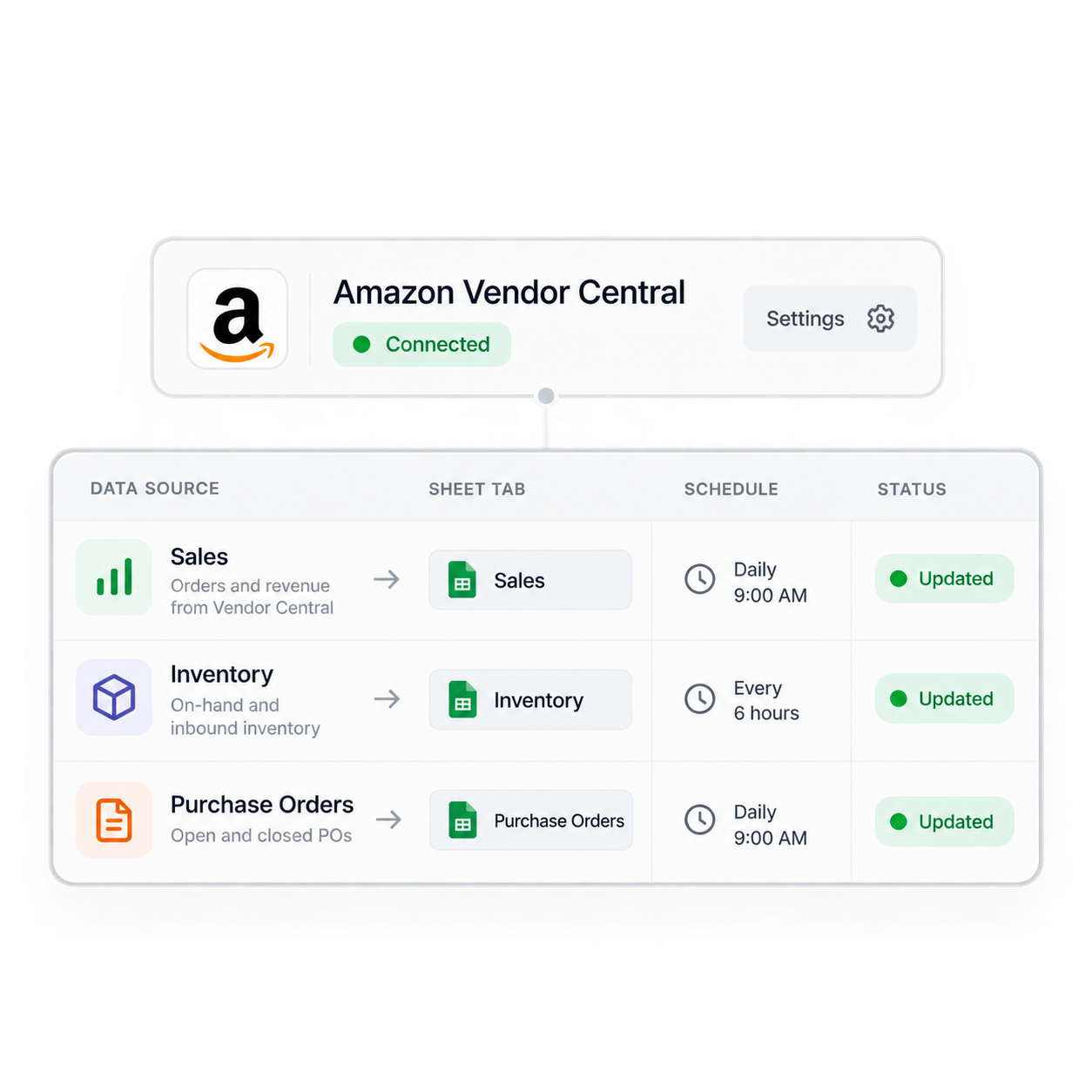
Authorize the Vendor Central accounts and marketplaces you use, select fields, and set each source to refresh into its target tab.
Model and collaborate
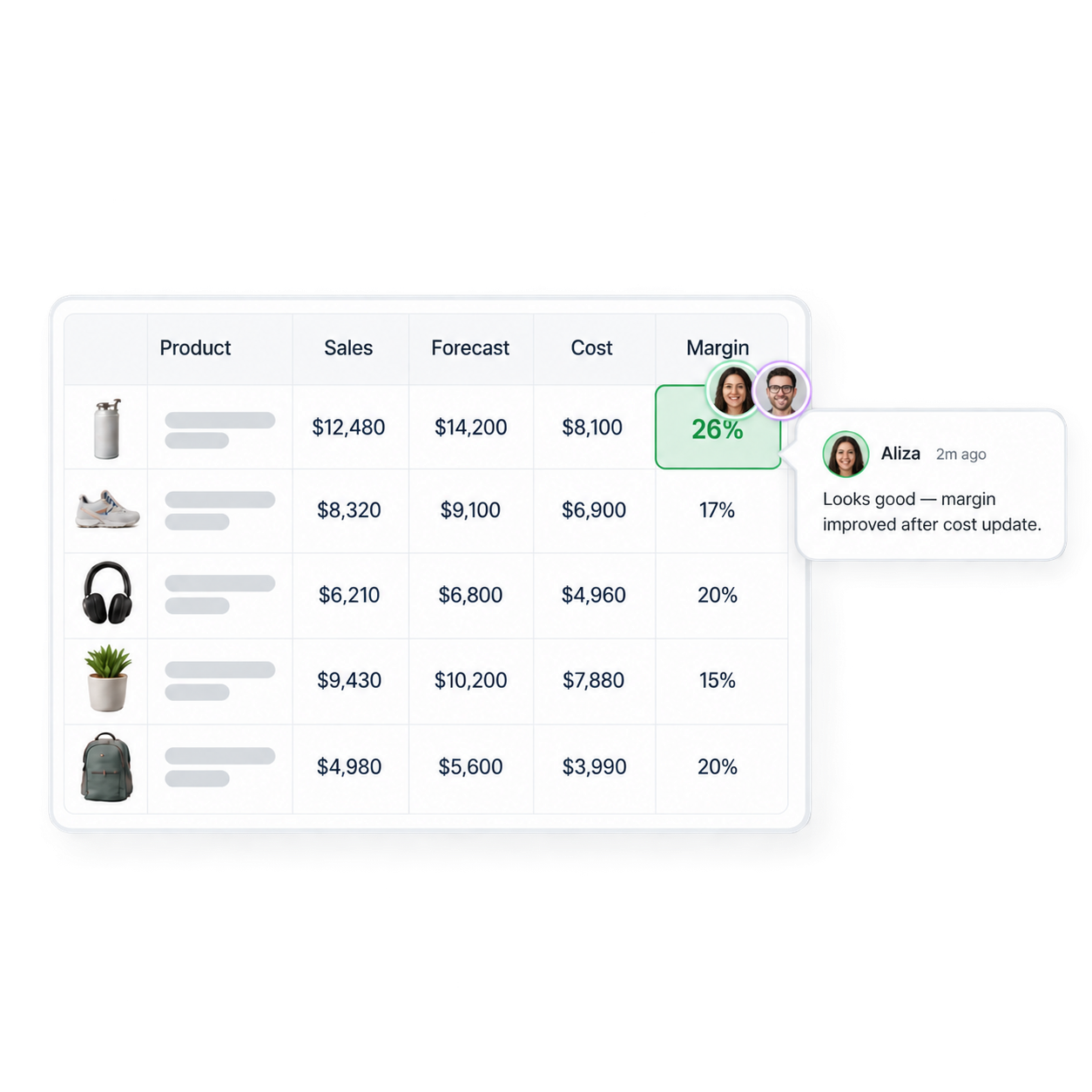
Combine sources with your costs, forecasts, formulas, charts, and notes. Teammates work from the same current workbook instead of reconciling separate exports.
Review, act, and monitor
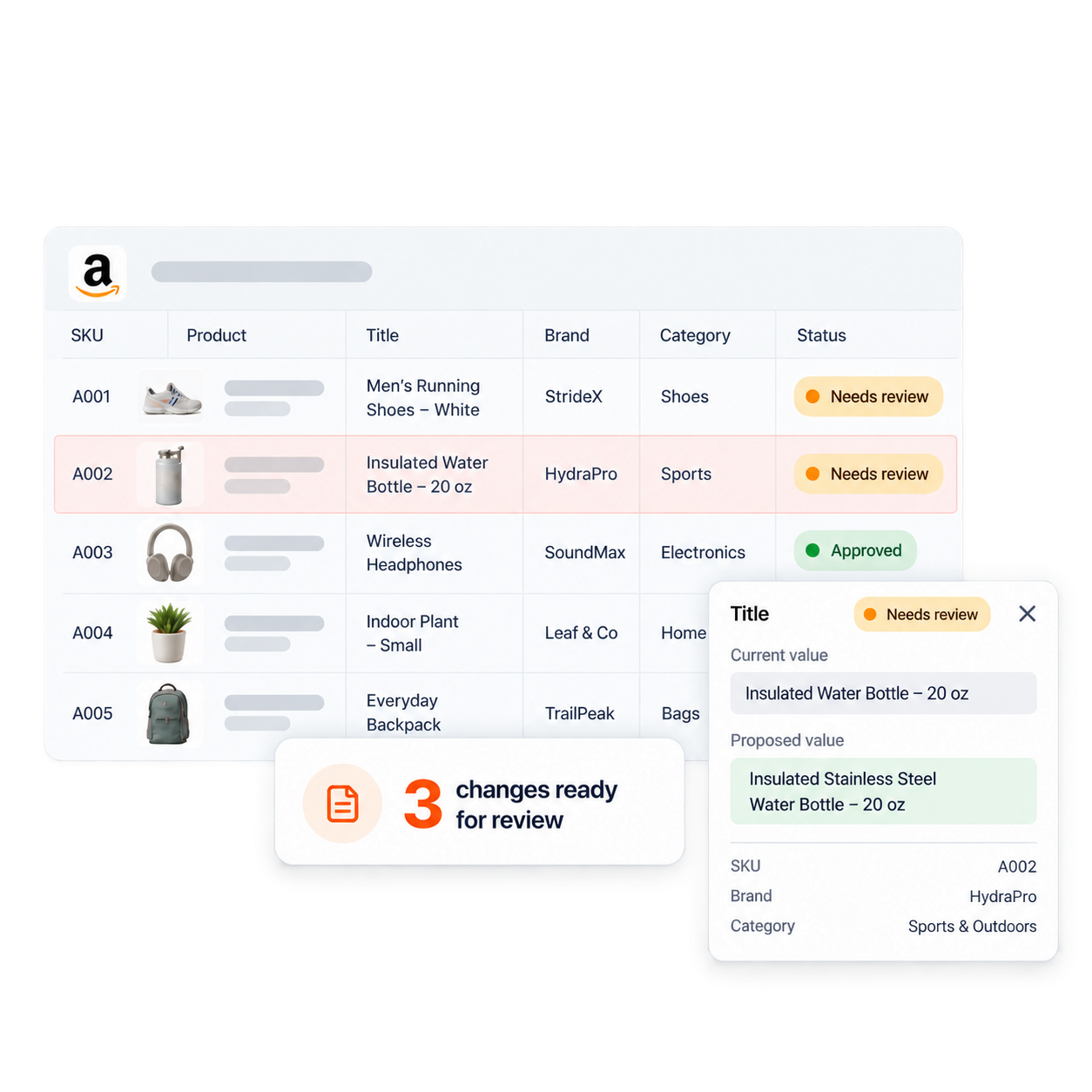
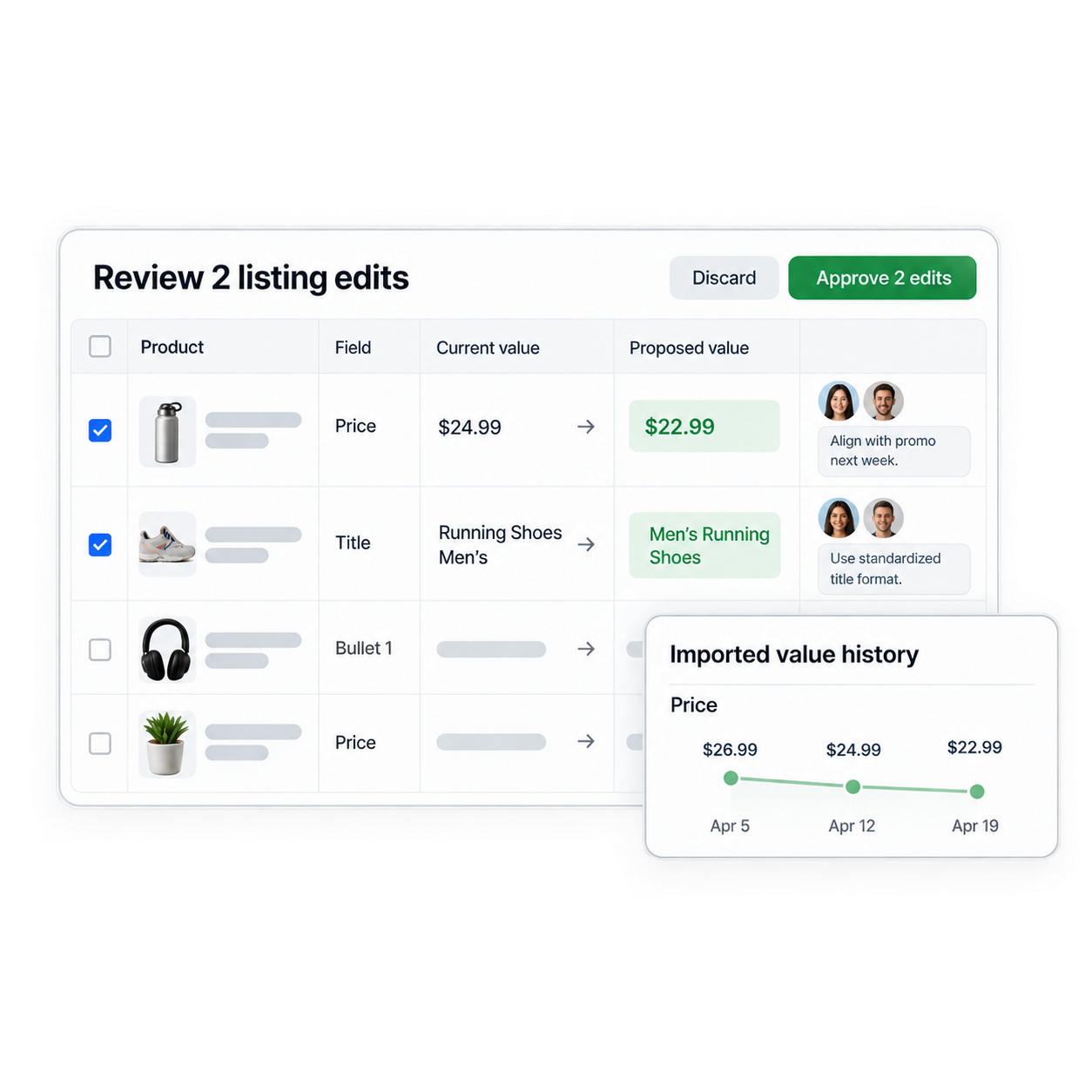
Review supported listing changes before submission, keep a history of imported values, and use the same workbook to investigate what changed.
What each vendor team runs in the shared workbook
Keep each team’s decisions connected to the same current Vendor Central operating model.
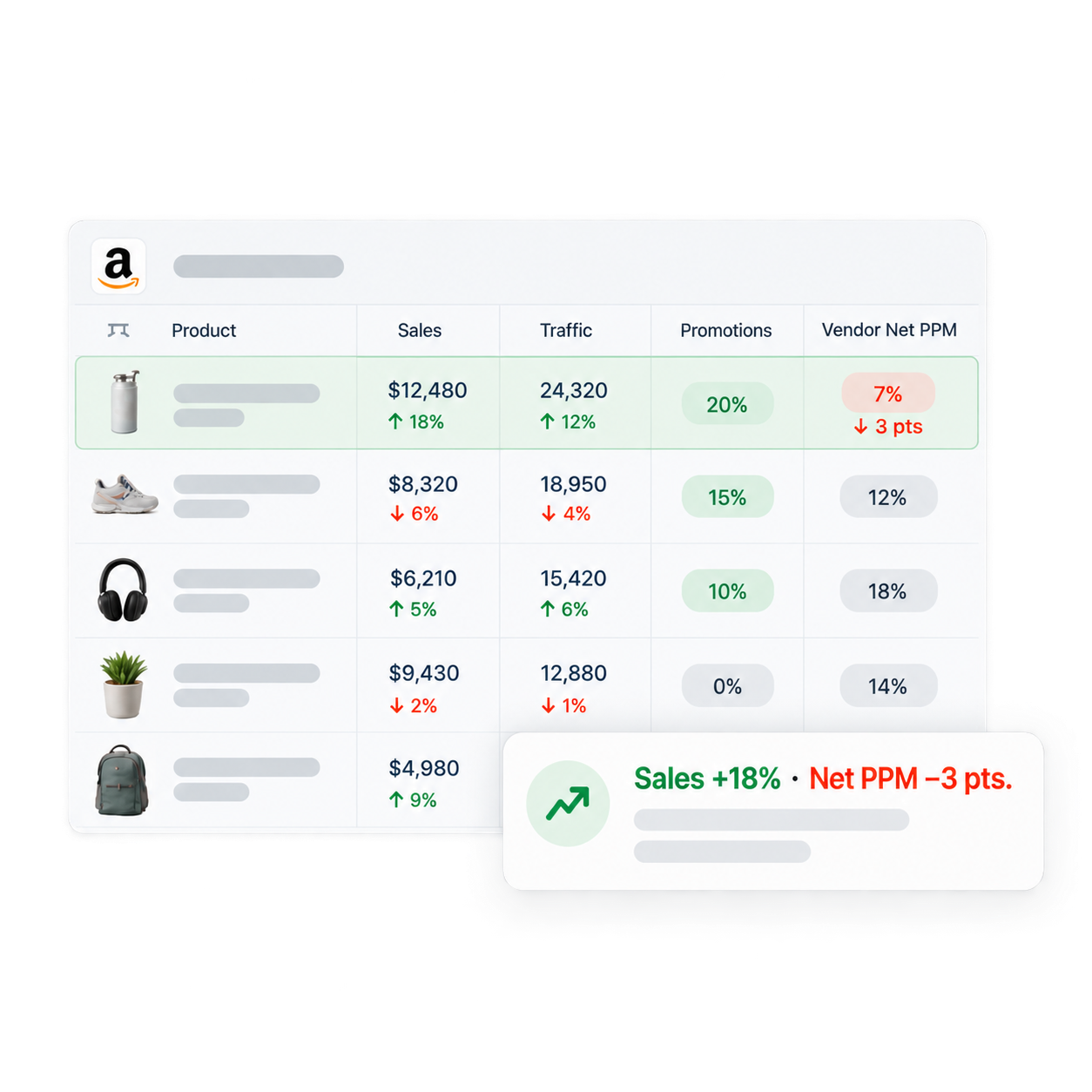
Sales and traffic
Trading teams review sales, traffic, and available real-time sources on the same cadence as their commercial meetings.
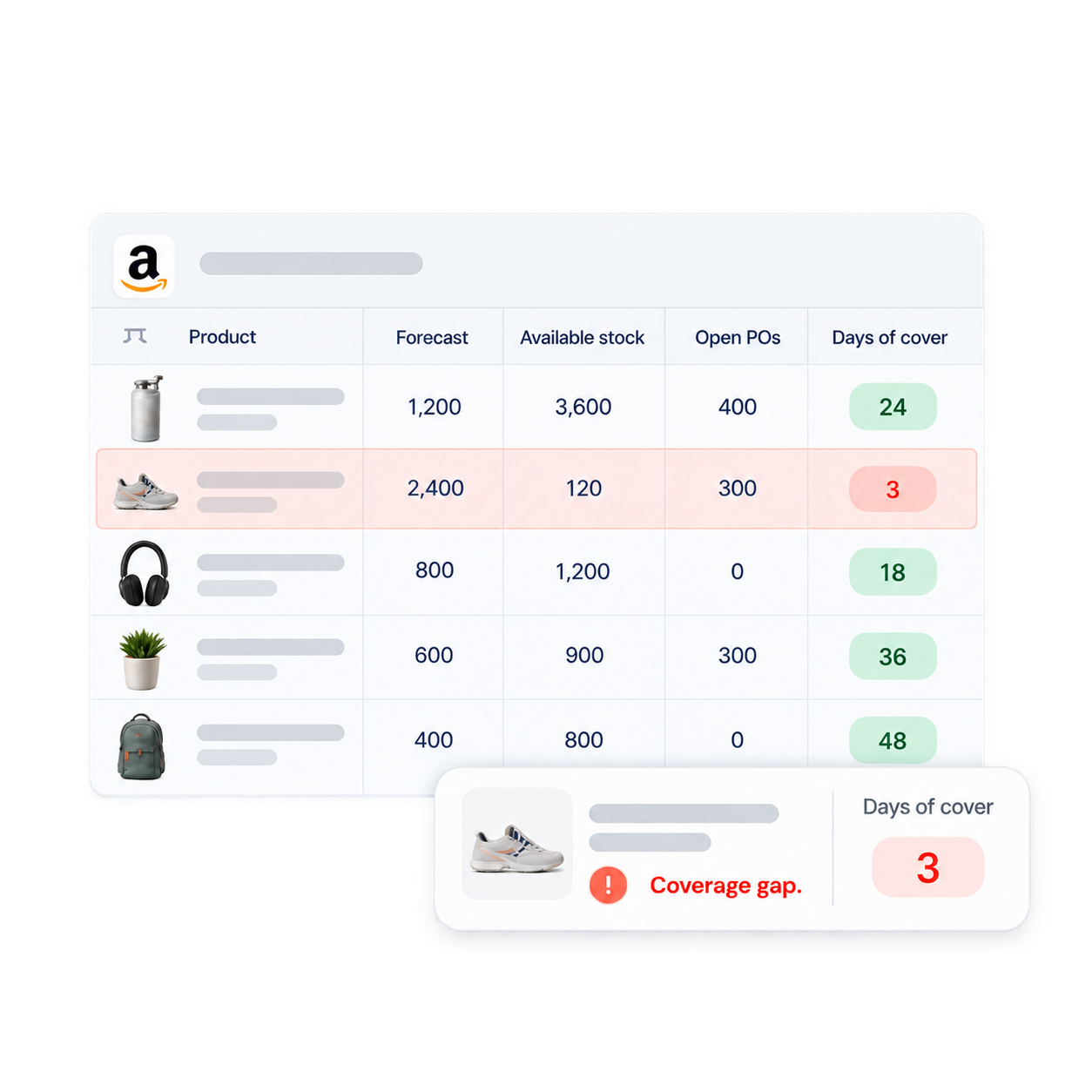
Trading and finance teams use Hopted for sales, promotions, and margin review; supply-chain and planning teams use it for forecasts, inventory, and purchase orders; catalog teams use it for listing audits and reviewed edits. Everyone works from the same current workbook.
Each Hopted source can refresh into a chosen tab. Teams can build their own views, formulas, and charts from the shared source data, while Google Sheets sharing and protected ranges control access to the file and who can edit defined areas.
Yes. Connect Vendor Central and Seller Central to the same workbook, align product identifiers and date ranges, and compare vendor and seller measures with your own formulas. Keep metrics such as vendor shipped units and seller units distinct unless your team has defined a consistent combined model.
Yes. Add Amazon Ads reports to the same workbook and review campaign, placement, search-term, and spend data beside the Vendor Central and Seller Central measures your team uses. The workbook keeps each source available for the comparisons and calculations you define.
Yes. Vendor teams can import Listing Details, edit supported attributes in Google Sheets, review the proposed changes, and submit approved Listing Edits back to Amazon with Hopted Writebacks.
Hopted Data History keeps previous imported values available from Google Sheets, so teams can inspect changes and compare periods without rebuilding the operating model from old exports.
Take the next step.
Add the Hopted browser extension to Google Sheets.