
Connect Amazon Ads to Google Sheets, Instantly

Stop downloading CSVs. Automate your Amazon Advertising reports directly in Google Sheets.

Trusted every day by modern Amazon teams

SoftwareSuggest Best for Small Businesses SoftwareSuggest Easy Implementation Amazon Ads Verified Partner Amazon Seller and Vendor Central Software Partner SourceForge Customers Love Us

Why Google Sheets for Amazon Ads

Track campaigns, optimize spend, and build custom ROAS dashboards—no code required.

Without Hopted

Manual Data Drains Your Day

Every day, you log into Amazon Seller Central, navigate the clunky Advertising Console, and manually download 5, 10, or 20 different reports. You copy-paste CSV data, fight with VLOOKUP, and pray the numbers are correct. By the time your report is done, it's already out of date.

With Hopted

Fresh Amazon Ads data, on your schedule

Hopted connects directly to the Amazon Advertising API and your Google Sheets account. Set your schedule once—daily, hourly, or on-demand—and Hopted automatically pulls all your campaign data into your spreadsheet. Get fresh, accurate data to make decisions, not build reports.

All Your Amazon PPC Data, Up to date in Google Sheets

Pull comprehensive data from all your Amazon Ads campaigns. Hopted gives you the granular data you need to find optimization opportunities and scale your ads.

Sponsored Products

Automate your Sponsored Products campaign reports. Track performance by campaign, ad group, keyword, and ASIN. Pull clicks, spend, sales, impressions, and calculate ACOS automatically.
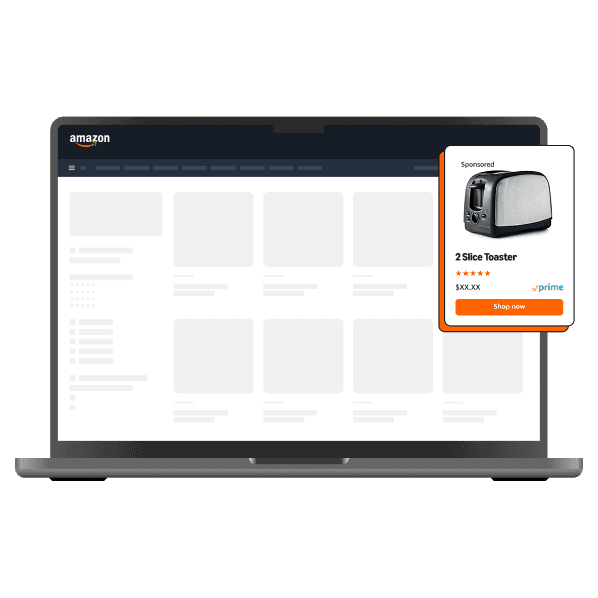

Amazon Sponsored Products placement

Sponsored Brands

Connect your Sponsored Brands & Sponsored Brands Video data. Analyze top-of-funnel metrics, attribute sales to your brand-building efforts, and track new-to-brand (NTB) customer data.
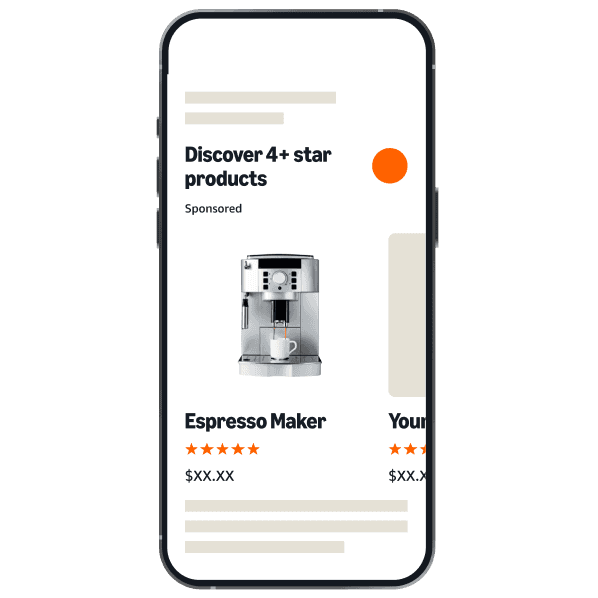

Amazon Sponsored Brands placement

Search Term Reports

Pull the complete Amazon Search Term Report for all campaign types. Automatically import customer search terms to find new keywords and identify negative keywords to reduce wasted spend.
Amazon seller reviewing search term reports

Sponsored Display

Integrate your Sponsored Display campaign data. Track performance by audience, ASIN targeting, and placements to understand your full-funnel impact.
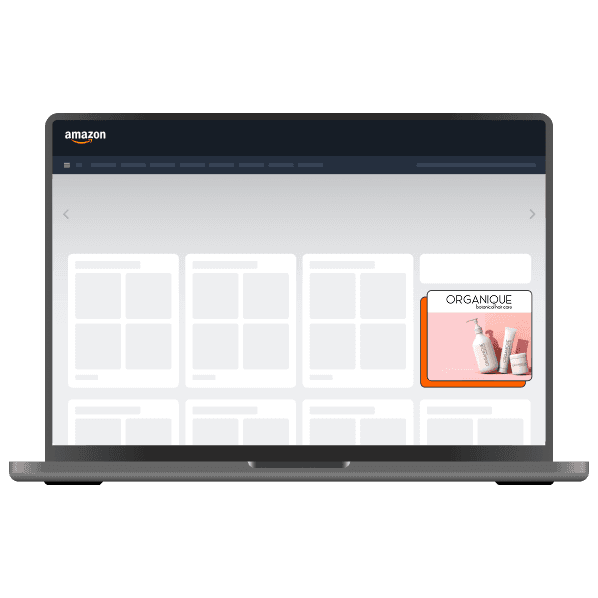
Amazon Sponsored Display placement

Placement & Targeting

Get Placement reports to see where your ads are showing (Top of Search, Product Pages) and optimize your bids accordingly. Analyze targeting reports to refine your strategy.
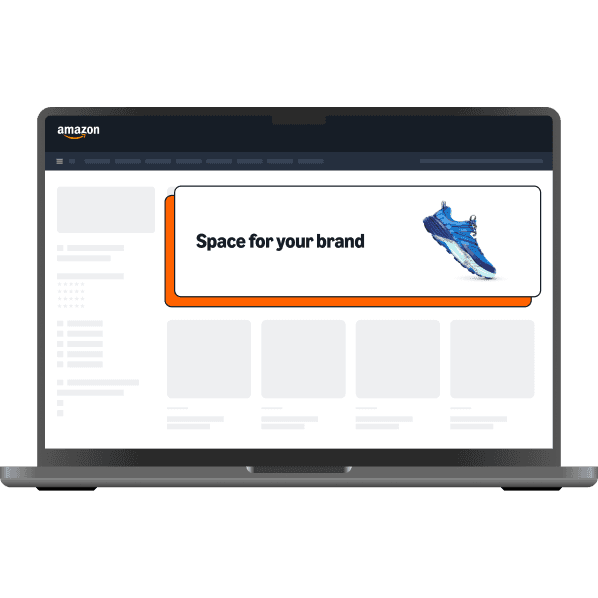

Amazon ad placement and targeting

All Key Metrics

Import all the metrics that matter: Spend, Sales, ACOS, ROAS, CPC, CTR, Clicks, Impressions, Orders, Units, and more, all automatically refreshed in your spreadsheet.
Amazon seller tracking key advertising metrics

Who is Hopted for?

Amazon private label sellers and brand owners Amazon vendors FBA sellers Manufacturers Fulfillment By Merchant (FBM) sellers Agencies working with Amazon Selling Partners Resellers Virtual assistants

Amazon Ads reports that you can automatically import into spreadsheets.

Brand metrics Campaign performance — all ad types Ad group performance Sponsored Brands ads Advertised product performance Audience performance Sponsored Brands placements Gross & invalid traffic Purchased product attribution Search term reports Targeting reports — all ad types

Get started in 3 simple steps

Step 1

Connect your accounts

Install the Hopted Google Sheets Add-on. Securely connect your Amazon Advertising profiles in just a few clicks. (This is separate from your SP-API connection).

Step 2

Select your reports

Choose the Amazon Ads integration. Select the exact reports you need, like “Sponsored Products Campaign Report” or “Search Term Report.”

Step 3

Set your schedule

Choose your target sheet and set an automatic refresh schedule (e.g., “Refresh daily at 7 AM”). Your data will now update automatically, forever.

What you can build.

From data to decisions.

Build a Unified ROAS Dashboard

Combine your Amazon Ads data with your Amazon Seller (SP-API) data to calculate your true Total ACOS (TACOS). See your total ad spend and total sales in one simple chart.
Amazon team reviewing a ROAS dashboard

Create a PPC Pacing Report

Build a simple dashboard that tracks your daily ad spend against your monthly budget. Instantly see if you are over- or under-spending and adjust your campaigns.
Amazon seller checking PPC spend pacing

Streamline Search Term Optimization

Automate your Search Term Report to a new tab. Add a column next to the search terms called “Action” and quickly tag new keywords to add or negative keywords to block.
Amazon PPC team optimizing search terms

Frequently asked questions

Take the next step.

Add the Hopted browser extension to Google Sheets.