Amazon Vendor Central reports to Google Sheets: complete directory
Browse 17 report and import sources plus a Listing Edits guide. Keep sales, profitability, customer feedback, geographic demand, inventory, and catalog data ready for your next review.
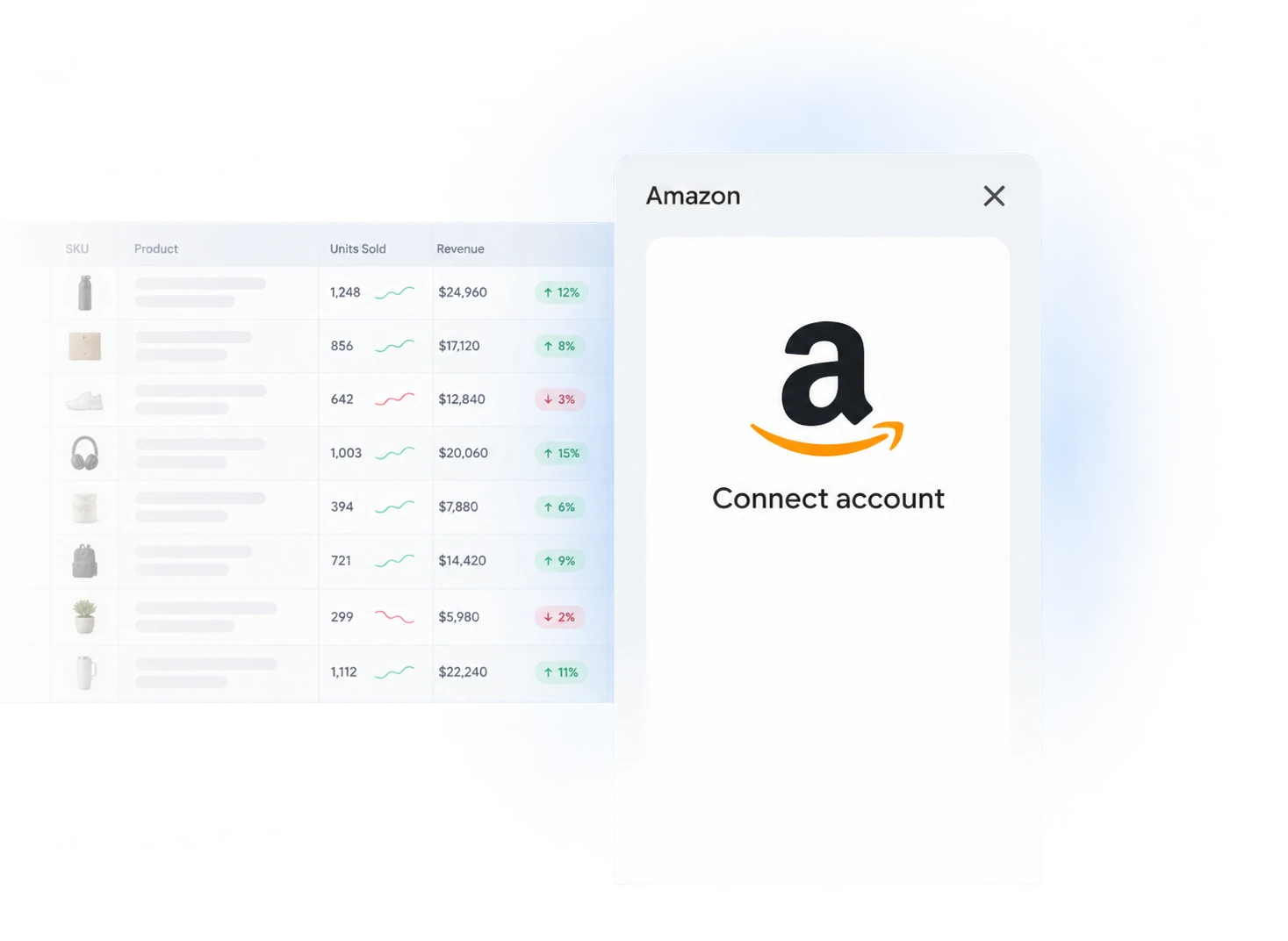
Choose the Vendor Central report for your next review
Explore 18 guides grouped by task. Each explains the source, useful columns, setup, and how to read the results. Listing Edits has its own writeback workflow.
Sales & Performance
- Vendor SalesCompare ordered and shipped retail sales, units, returns, and shipped COGS by ASIN and reporting period.Read guide →
- Vendor TrafficTrack product detail-page glance views and compare shopper interest across ASINs and periods.Read guide →
- Vendor Net Pure Product MarginReview Amazon’s Net PPM for your products and prepare informed retail profitability discussions.Read guide →
- Vendor Sales & ProfitabilityCompare retail sales, shipped COGS, returns, and Amazon’s Net PPM by ASIN and period.Read guide →
- Vendor Geographic SalesBreak down shipped units, revenue, and COGS by customer country, state, city, or postal code.Read guide →
- Vendor Customer FeedbackReview customer review and return topics, trends, snippets, and rating impact.Read guide →
Inventory & Planning
Real-Time Reports
- Vendor Real-Time InventoryMonitor hourly Highly Available Inventory for vendor ASINs and investigate short-term availability changes.Read guide →
- Vendor Real-Time SalesTrack hourly ordered units and revenue for vendor ASINs, including cancellation adjustments.Read guide →
- Vendor Real-Time TrafficFollow hourly detail-page glance views and compare product interest during short-term events.Read guide →
Purchase Orders
Brand & Promotions
- Brand Analytics - Repeat Purchase BehaviorCompare repeat customers and repeat purchase revenue by ASIN and reporting period.Read guide →
- Promotions PerformanceReview promotion funding, product sales, revenue, and campaign status in Google Sheets.Read guide →
- Brand Analytics - Market Basket AnalysisFind products frequently purchased together and compare their share of combined purchases.Read guide →
Listings & Writebacks
- Listing DetailsAudit Vendor Central listing identity, content, attributes, and issues in a spreadsheet.Read guide →
- Listing EditsPrepare supported listing changes in Google Sheets, then review and submit them with Writebacks.Read guide →
- Vendor CatalogReview vendor product identity, catalog attributes, release dates, and list prices by ASIN.Read guide →
New report sources added on November 16, 2026. Availability depends on your vendor account and marketplace. Listing Edits sends reviewed changes; the other guides cover incoming data. See the Seller Central and Amazon Ads directories for those workflows.

Questions & Answers
This directory covers 17 report/import sources and Listing Edits: sales, traffic, Net PPM, sales and profitability, geographic sales, customer feedback, inventory, forecasting, three real-time reports, purchase orders, repeat purchase behavior, market basket analysis, promotions, vendor catalog, and listing details. Listing Edits has its own writeback workflow.
Install Hopted, open your Google Sheet, choose Add new data sync and Amazon Vendor Central, then connect or select your vendor accounts. Choose a source and columns, review settings and filters, and set a refresh schedule.
Yes. The account selector offers All vendor accounts (including any added later). Keep Store name, marketplace, and vendor context in the sheet so combined data remains distinguishable.
Vendor Central covers the vendor relationship and Amazon retail performance for your products. Seller Central covers seller operations. Amazon Ads covers advertising delivery and attributed outcomes. A Vendor retail sales measure is not the same as ad-attributed sales.
No. The real-time sources report hourly data, and Amazon can update it. Keep Start Time and End Time beside the results. Refresh frequency and source publication timing are different.
Net Pure Product Margin measures Amazon’s product profitability, not the vendor’s own profit. Hopted’s field stores a decimal fraction; applying percentage formatting displays it as a percentage.
The Listing Edits source provides supported outgoing fields alongside Listing Details. Prepare intended edits, review them in Writebacks, and submit the reviewed changes. Amazon can return validation issues and determines which attributes are supported.
These guides show Hopted’s direct integration with Google Sheets. Downloading a Google Sheet in Excel format creates a snapshot; the downloaded file does not inherit the Google Sheet’s refresh schedule.
Put your Vendor Central reports on autopilot.
Add Hopted to Google Sheets and keep the reports you rely on up to date.