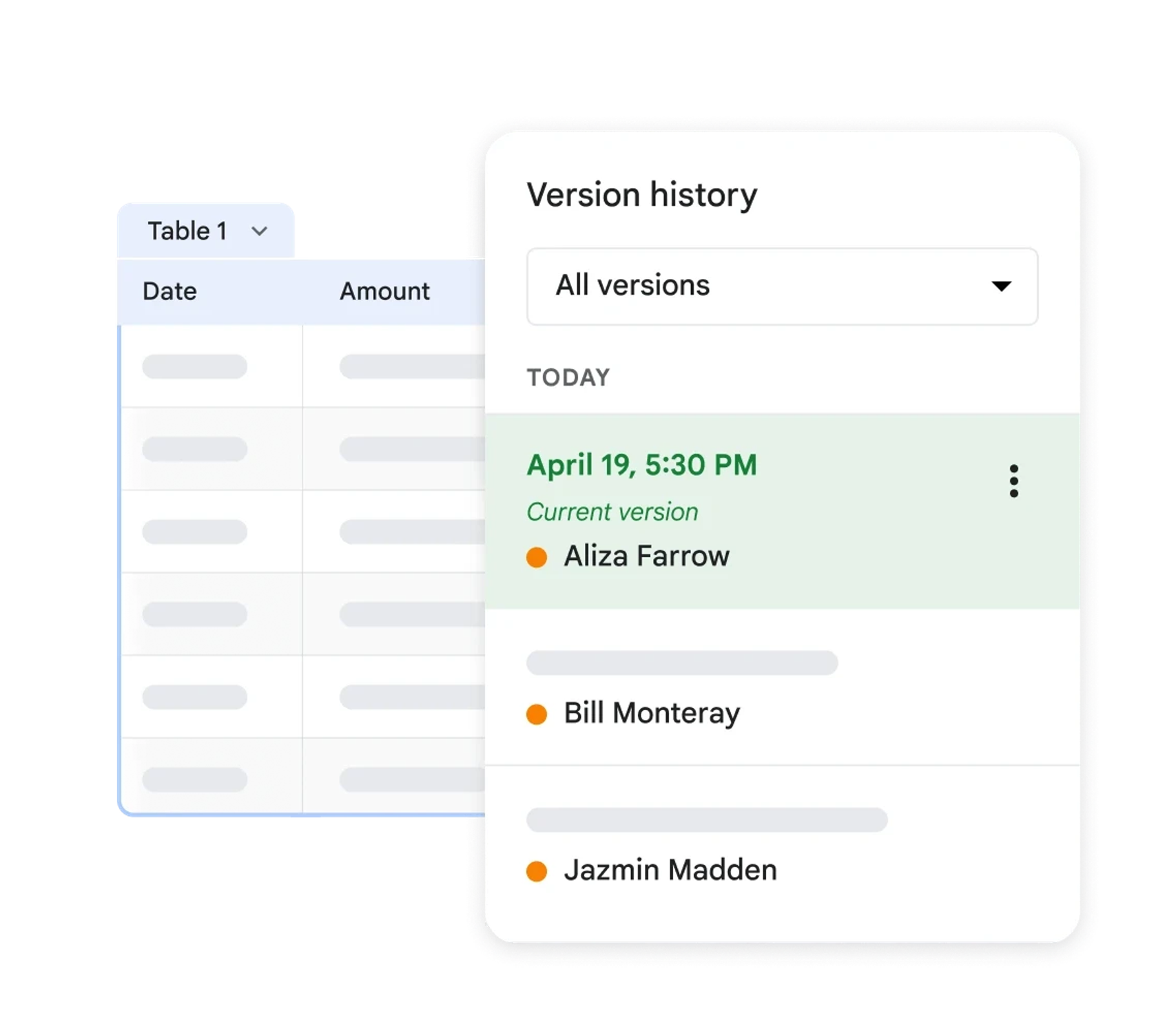





Track every Amazon listing change, and rewind to any moment

Hopted keeps the history of every value it imports. Open any cell to see what a title, bullet, price, or metric was on any past date, then put the right value back on Amazon.
Change history for a tracked Amazon value in Google Sheets

Trusted every day by modern Amazon teams

SoftwareSuggest Best for Small Businesses SoftwareSuggest Easy Implementation Amazon Ads Verified Partner Amazon Seller and Vendor Central Software Partner SourceForge Customers Love Us

Amazon shows you today. It does not show you yesterday.

Seller Central shows the current value of every field and nothing before it. When a title changes, a bullet disappears, or a price moves, there is nothing to compare against.

Without Hopted

You notice something is wrong, and the evidence is gone

Sales drop on a SKU and nobody can say what changed. Was the title rewritten? Did a bullet get dropped? Did someone on the team update the price last Tuesday, or did Amazon do it? The old value is not stored anywhere, so the investigation turns into guesswork, old screenshots, and a search through email threads.

With Hopted

Every value keeps its own past

Every scheduled import writes into your Google Sheet, and each value carries its own record of what it used to be. Open the cell, read the previous values with their dates, and you have the answer in seconds. The history lives in your own spreadsheet, so anyone on your team or in your company with access to that workbook can check it.

What a history of your Amazon data gives you

It starts as a record. It becomes the reference your whole operation checks against.

Rewind to any moment

Check how a listing looked last Tuesday, what a SKU's inventory was at the end of the quarter, or which price was live during a promotion. Every value since your first sync stays available.
Previous values of a tracked Amazon attribute

Build a master data set

Your accumulated history becomes the reference model for how your catalog is supposed to look. When Amazon and your records disagree, you have something authoritative to compare against instead of an opinion.
A master reference set of Amazon listing attributes

Keep a team audit log

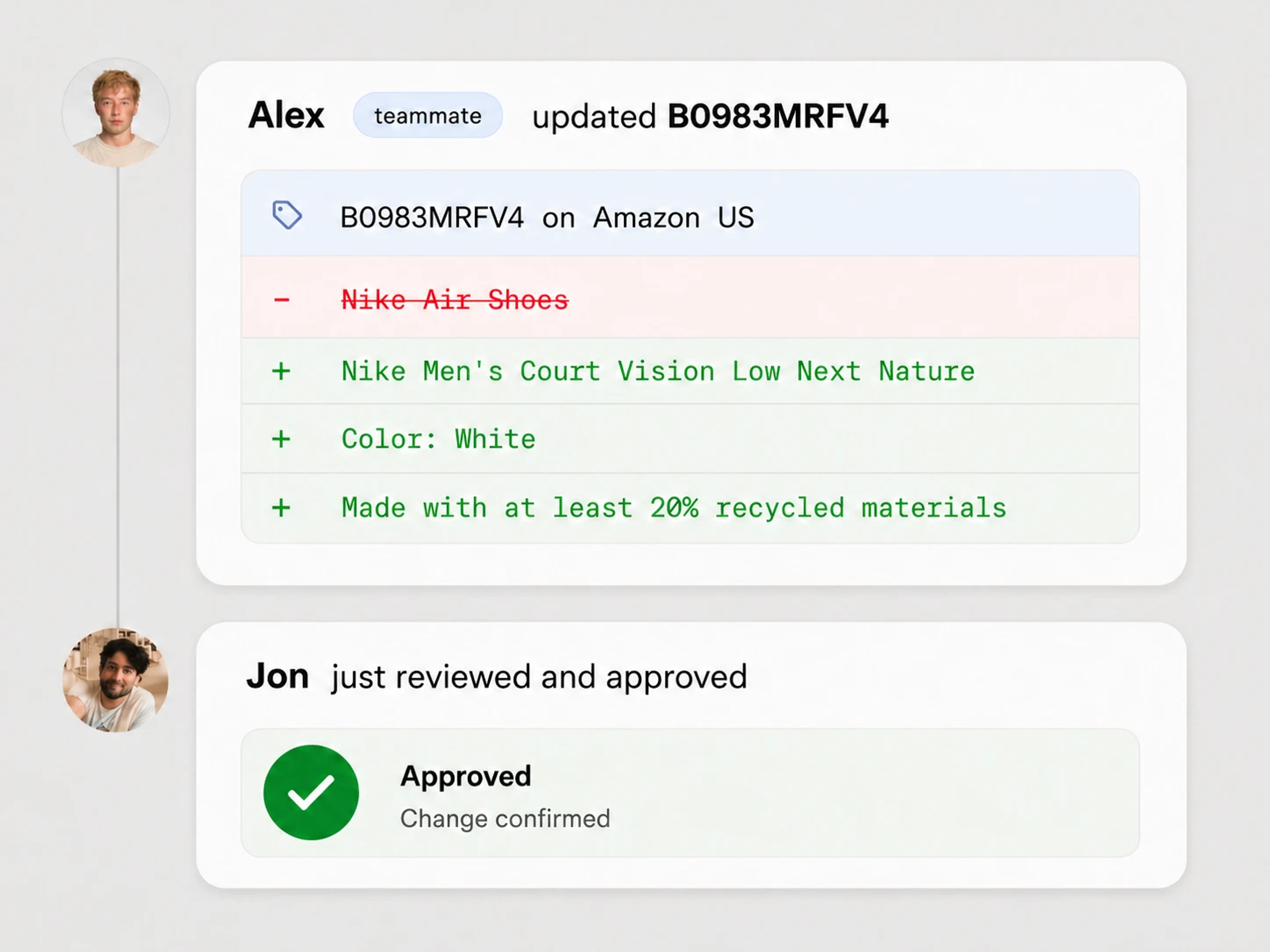
When a value changes it stays on the record. Everyone on your team or in your company who can open the workbook can see what a field used to be and when it moved, without asking anyone.
Reviewing what changed across an Amazon catalog

Undo what Amazon changed

Amazon's own algorithms rewrite titles, swap images, and overwrite attributes without telling you. History shows you the value you had, so you can put it back instead of rewriting it from memory.
Restoring a previous Amazon listing attribute

Compare any period against any other period

History is not only for listing text. Once your quantitative metrics accumulate, period-over-period comparison becomes a formula instead of a data-gathering project.

Last week vs. the same week a month ago

Put last month next to the same month last year, this week next to the same week four weeks ago, or Q3 next to Q3. Because the values were captured as they happened, the comparison uses what was actually true at the time rather than a re-pulled report that Amazon may have since restated.
Comparing Amazon metrics across two periods in Google Sheets

Seasonality you can actually measure

Compare this Prime Day to last Prime Day, or this November to last November, on the same SKUs, with the numbers as they stood on each date.

Cause and effect, lined up

Put the date a title or price changed next to the sales and traffic curve, and see whether the change helped or hurt instead of debating it.

Trends across fees and inventory

Watch FBA fees, storage costs, and stock levels drift over months, and catch the slow increases that a single snapshot never reveals.

When something breaks, put the right value back

A teammate overwrites a title. Amazon's algorithm rewrites a bullet. Either way the recovery is the same four moves.

Step 1

The change shows up

Your imported columns hold what Amazon currently says. On the next scheduled refresh the unwanted value appears there, and the previous one is kept on the record.

Step 2

Open the cell's history

Click the cell that changed and read what that attribute was before, with the date it changed. No export, no ticket, no asking around.

Step 3

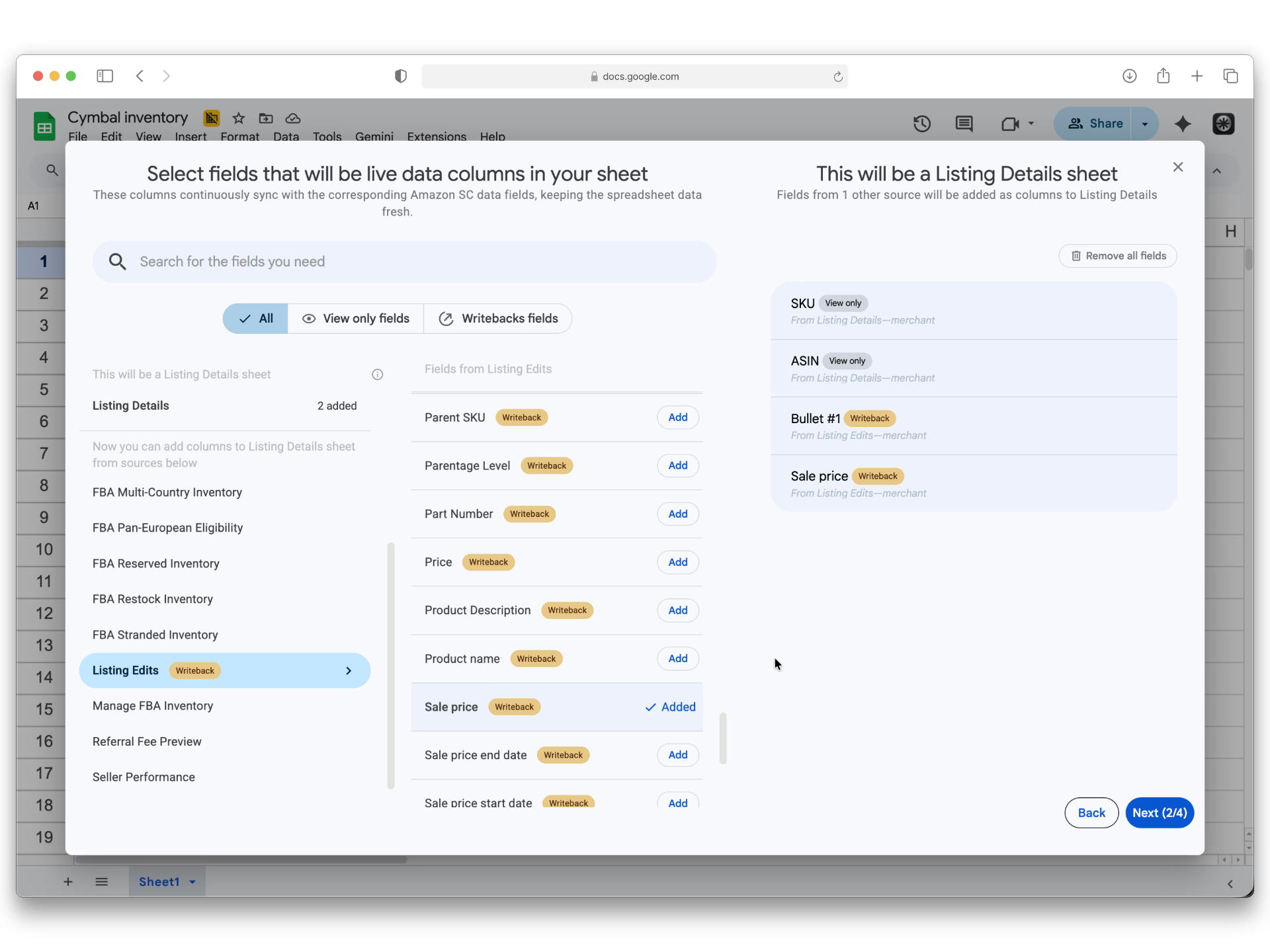
Move it into a writeback column

Paste the previous value into the editable writeback column for that attribute. Do it for one SKU or for a whole filtered range at once.

Step 4

Push it back with one click

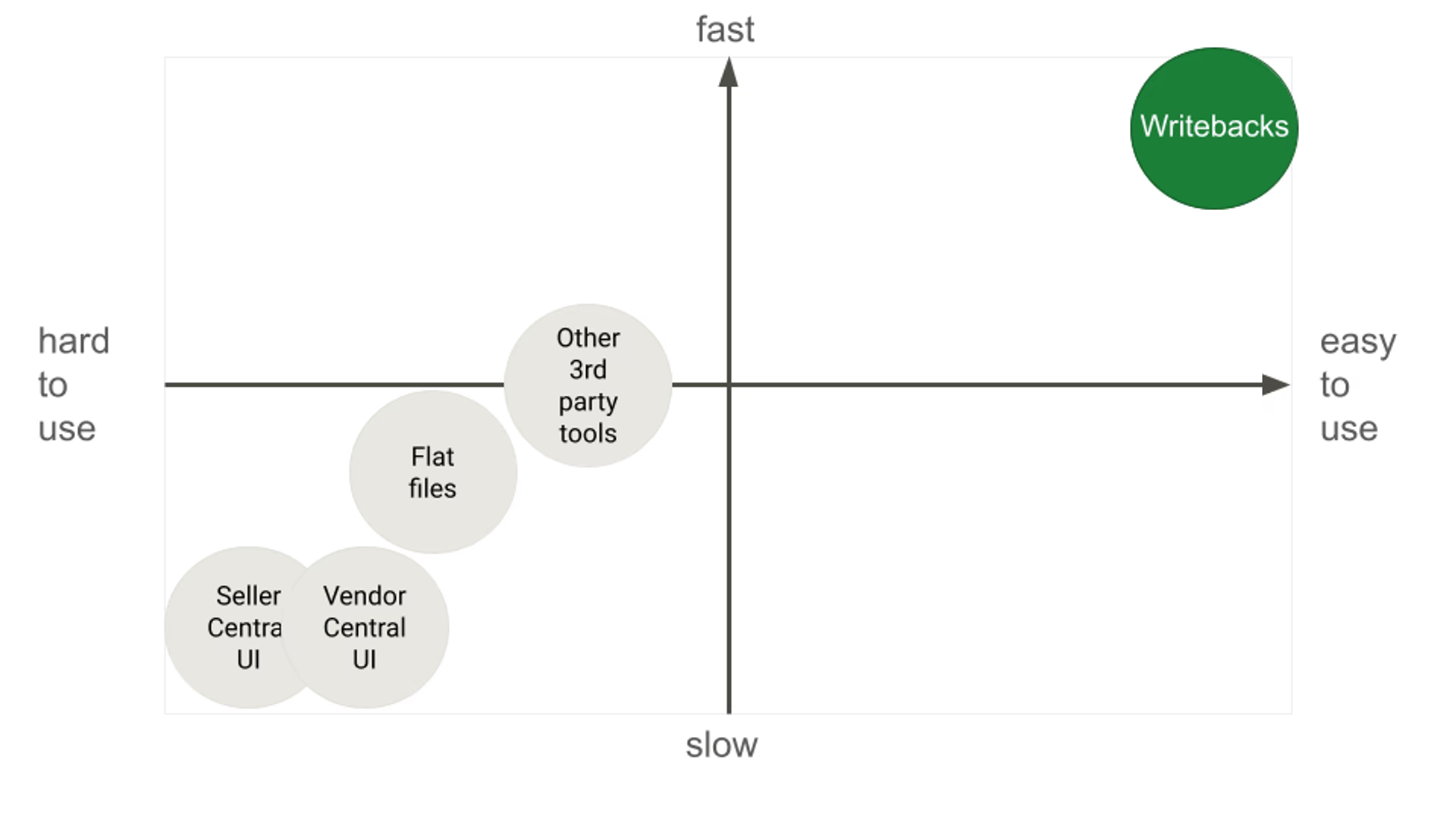
Submit through Writebacks and Hopted sends the corrected value to Amazon, across every account and marketplace you selected.

Your catalog, as it is supposed to be

The longer Hopted syncs, the more your workbook turns into the definitive record of your Amazon business.

A reference model Amazon does not give you

Seller Central holds one version of the truth: whatever is live right now. Your workbook holds the intended version and every version before it. That is what turns an argument about whether a bullet was always worded that way into a two-second lookup, and what lets you audit an entire catalog against your own approved copy rather than against Amazon's current guess.
A master set of approved Amazon listing values in Google Sheets

What you can keep a history of

Anything Hopted imports accumulates a history. Listing text, commercial terms, operational numbers, and account health all keep their past.

Titles Bullet points Descriptions Images Product type attributes Brand and manufacturer fields Variation relationships Price Quantity Fulfilment method Listing status FBA inventory levels AWD inventory Estimated FBA fees Storage fees Sales & traffic Buy Box status Seller performance metrics Vendor sales and forecasting Ad spend, ACOS, and ROAS

If you can import it, it keeps a history. See everything you can import →

What teams use it for

Find out why a SKU stopped converting

Line up the date your conversion rate dropped against the change history for that ASIN and see which attribute moved on the same day.

Catch silent catalog edits at scale

Compare your approved copy against what Amazon currently shows across thousands of SKUs, and get a list of every listing that drifted.

Settle "who changed the price?"

The previous price and the date it moved are on the record in a workbook your whole team can open. The conversation ends there.

Report to clients with evidence

Agencies can show exactly what was changed on an account, when, and what the numbers did afterwards, straight out of the working spreadsheet.

Rebuild a listing after a bad bulk upload

One wrong flat file can wipe attributes across hundreds of SKUs. Read the previous values and push them back rather than reconstructing them by hand.

Prove seasonality before you commit stock

Compare the same weeks across two or three years on the same SKUs before you place a purchase order against a guess.

Know what changed—and what needs attention

Trace important changes, surface costly problems quickly, and turn live Amazon data into answers.

Trace every change over time

Build audit log to see how listing attributes and other tracked Amazon metrics changed over time.
Google Sheets revision history for tracked Amazon values

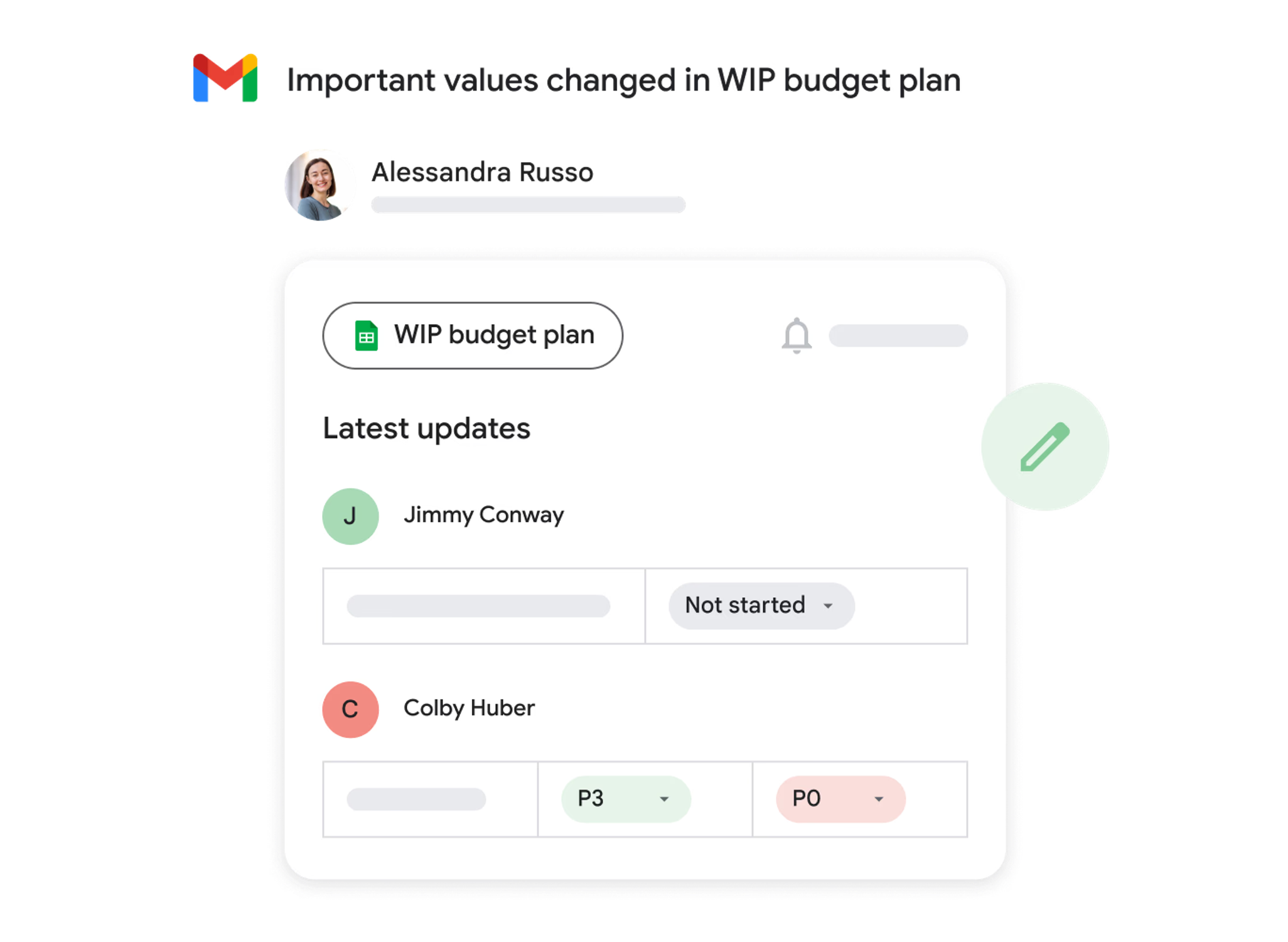
Catch costly changes immediately

Create conditional notifications for listings, FBA fees, inventory, Buy Box status, and account health so problems surface before they spread.
Conditional alerts for important Amazon changes

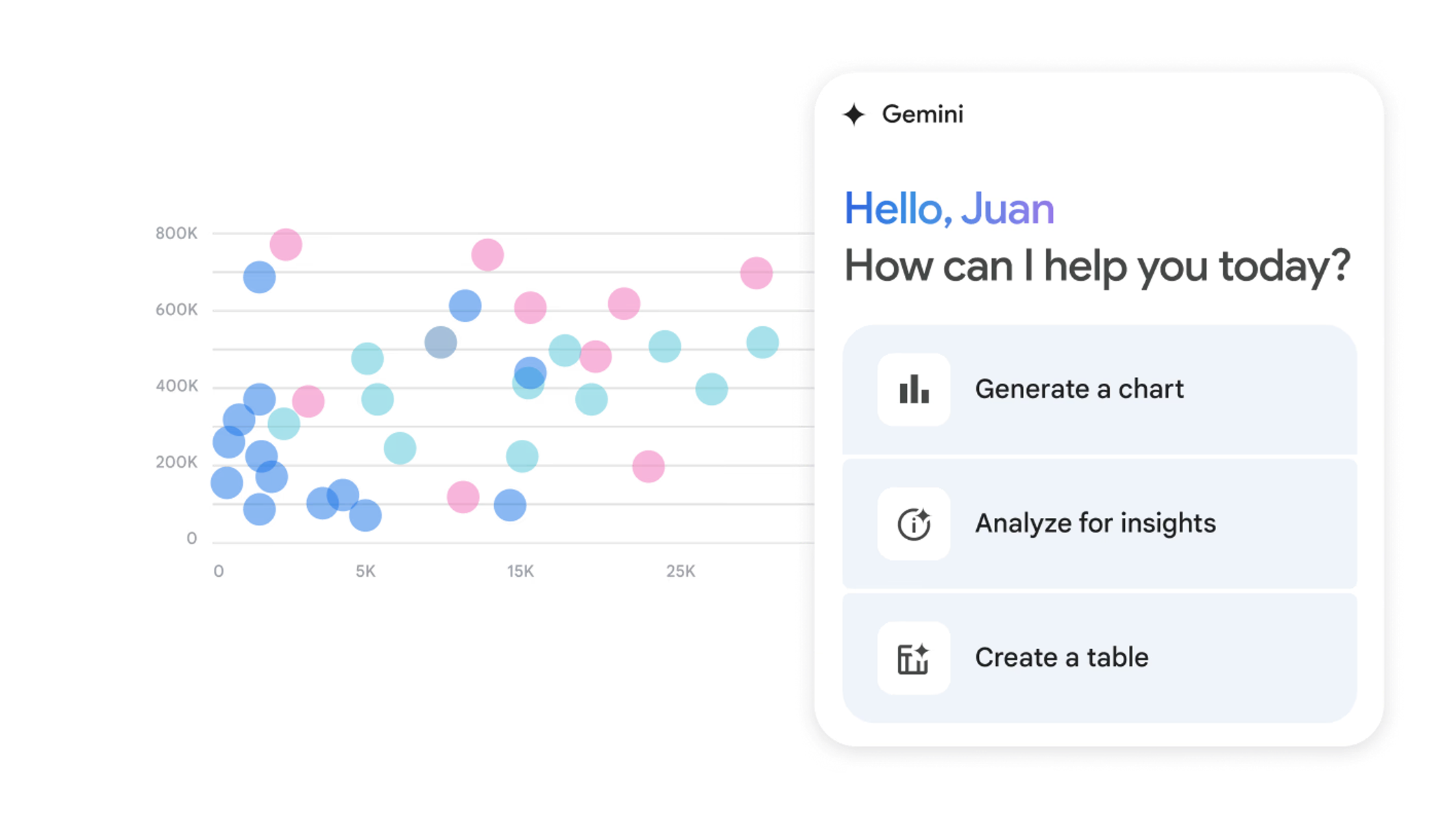
Ask AI what the data means

Use live Amazon data with Gemini in Google Sheets to detect anomalies, forecast inventory, optimize PPC, and uncover patterns across sales and operations.
Use AI with live Amazon data in Google Sheets

Questions & Answers

Start your history today.

The sooner you connect your data, the further back you can look later.